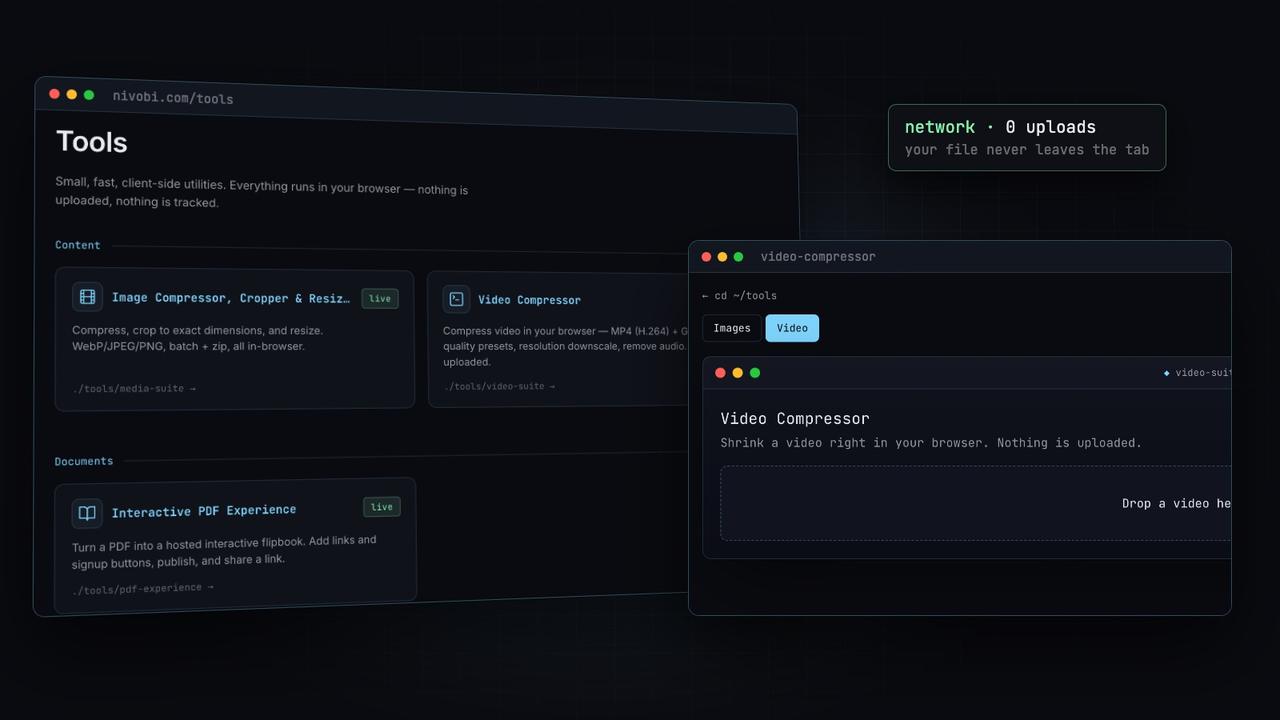
I built my own tools hub so my files stay on my machine
Every few weeks I need a small thing done to a file. Compress a video so it fits in an email. Strip the background off a photo. Turn a PDF into something nicer to read. The free tools for this are everywhere, and almost all of them work the same way. You upload your file to their server, they process it, you download the result. You never find out what happens to the copy you handed over.
I didn't love that. So I built my own versions and put them on the site. There are eight now, grouped into Content, Documents, Marketing, and Productivity. The rule for the whole hub is simple.
Everything runs in your browser. The file you drop in never leaves your machine. No upload, no account, no copy sitting in someone's bucket. You can open the network tab and watch it do nothing.
What's in there
The Content tools do the heavy media work: an image compressor and resizer, a video compressor, and a background remover. Documents has an interactive PDF flipbook. Marketing has the QR toolkit and a UTM builder. Productivity has a text utility and a small clean-and-extract tool for pulling emails and links out of messy input. Most of them are a single page you open and use, with no sign-up wall in front of any of it.
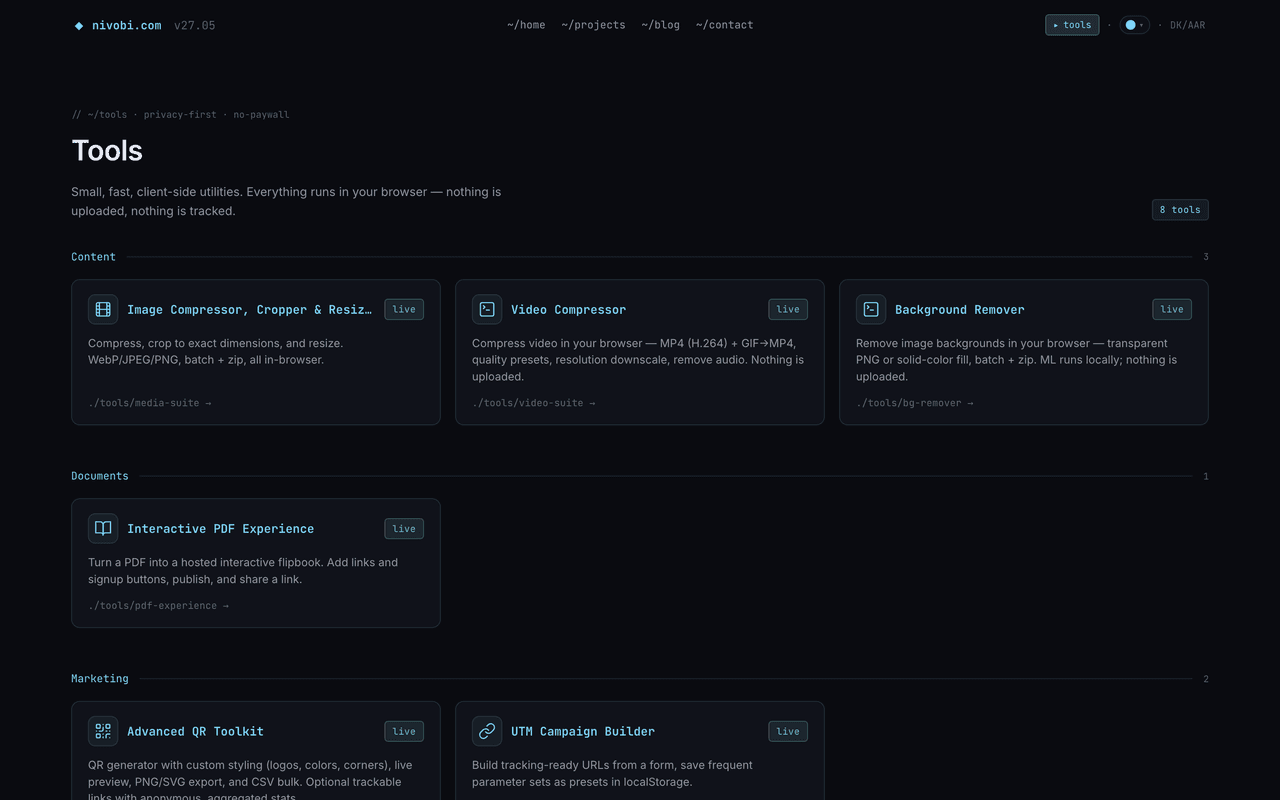
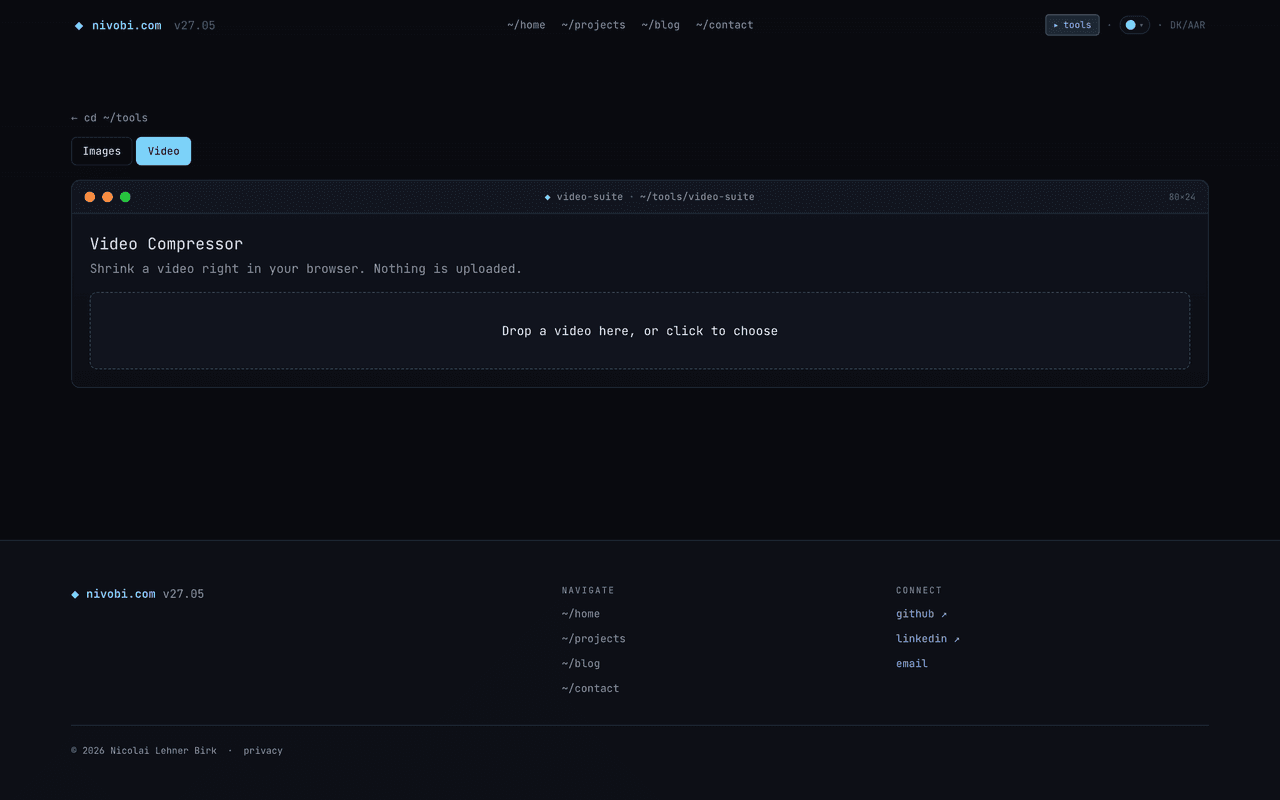
The video compressor was the one that fought back
Compressing video in a browser means running ffmpeg, the same tool the command line uses, compiled to WebAssembly. It runs in a Web Worker so the page stays responsive. I started with the multi-threaded build because it is faster.
The multi-threaded core hung. exec() never returned, no error, no progress, a three second clip stuck at zero. It needs SharedArrayBuffer, which means turning on cross-origin isolation across the whole site, and even after I did that the worker still deadlocked. I dropped it and switched to the single-thread core, which just works.
Then it hung again, for a completely different reason. Both cores ship under the same filenames, ffmpeg-core.js and ffmpeg-core.wasm. Cloudflare caches by URL, so it kept handing the loader the old multi-thread core it already had cached. The fix is to put a version tag on the URL, so swapping the core forces a fresh fetch instead of waiting on a purge.
1// Both cores share filenames (ffmpeg-core.js/.wasm) and Cloudflare caches by2// URL, so a `?v=` on every core swap forces a fresh fetch without a purge.3const V = 'st-0.12.10';4const BASE = '/ffmpeg';5const asset = (name: string) => `${BASE}/${name}?v=${V}`;
One more trap. Cross-origin isolation blocks loading the worker script straight from a URL, so it has to be fetched and handed over as a blob instead. And WebM with VP9 crashes the single-thread core every time with a memory access error, no matter which flags I pass, so the compressor outputs MP4 only. MP4 is the right default anyway, since it opens everywhere.
The background remover runs a real model in your tab
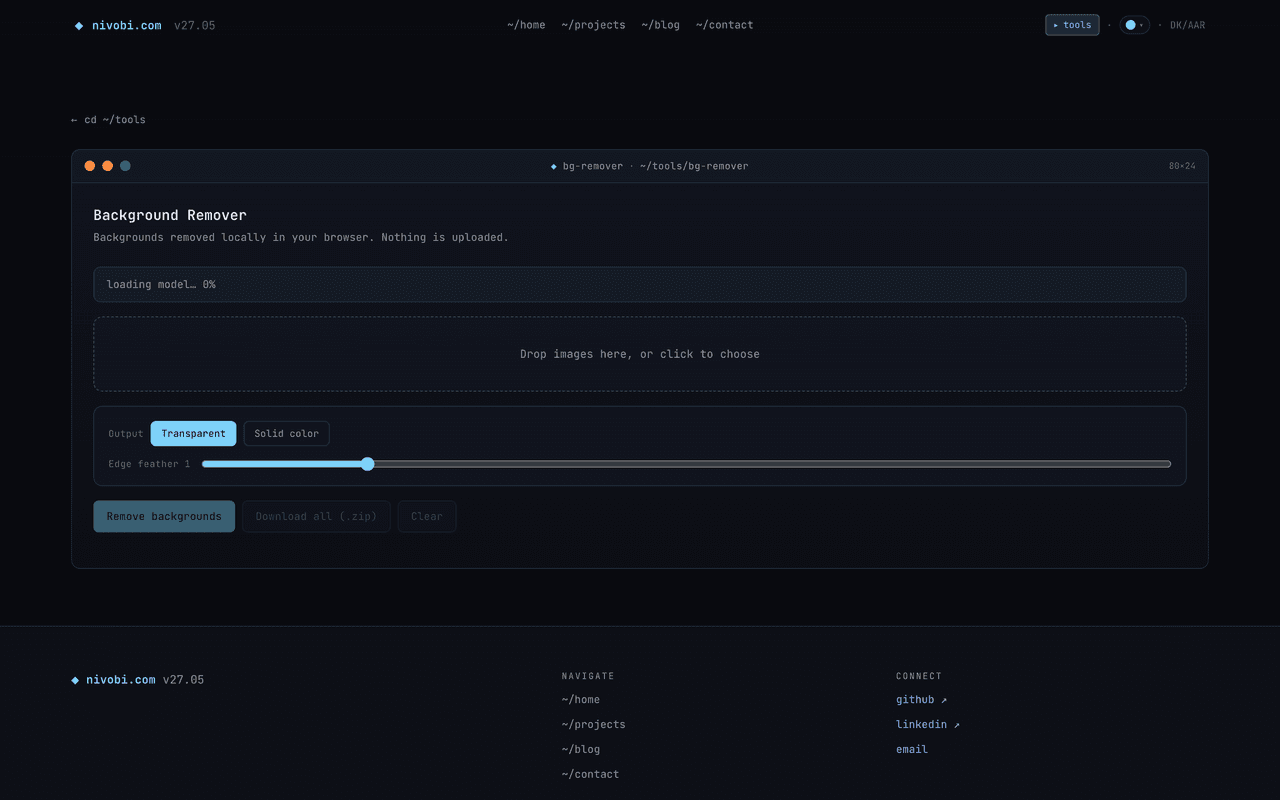
This one still surprises people. It removes the background from a photo using a machine learning model, and the model runs locally in the browser. The first time you use it the model downloads once and caches. After that the cutout happens on your machine, with nothing sent anywhere. Same promise as the rest: the image never leaves the page.
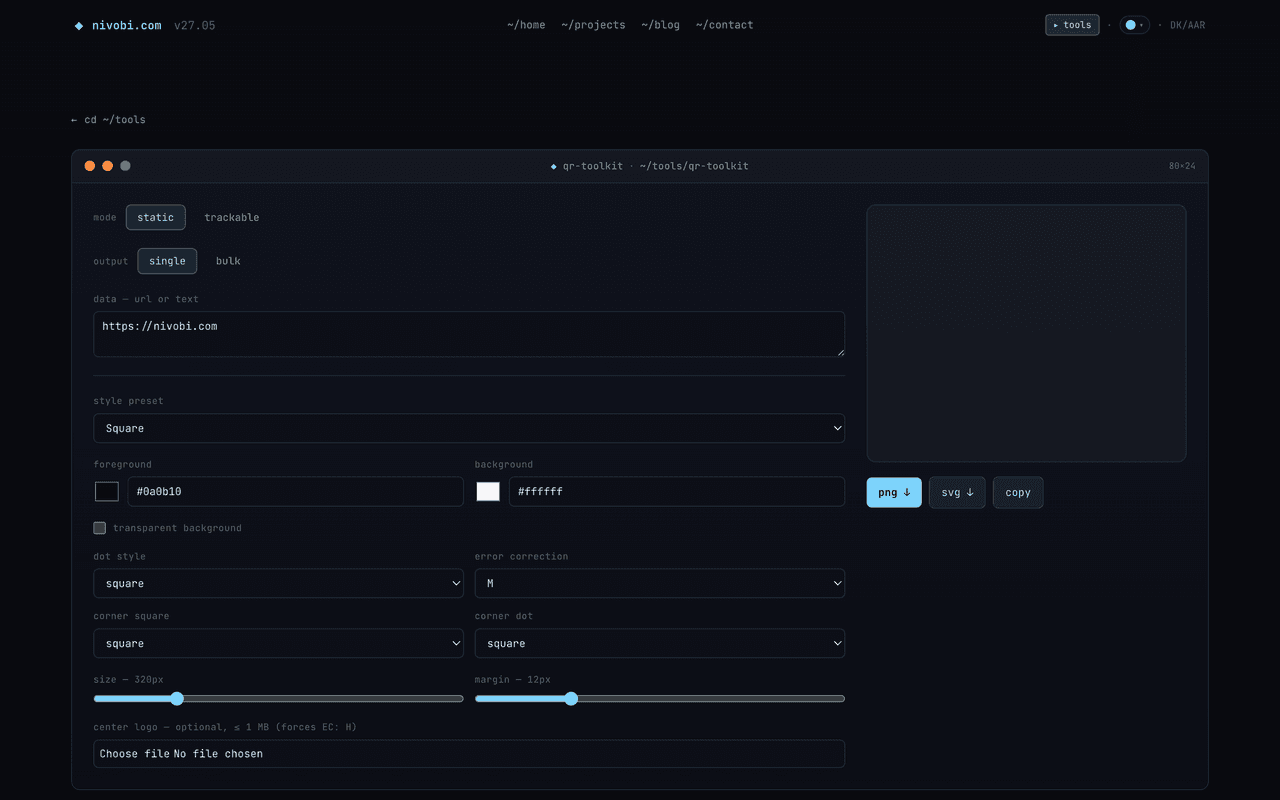
The QR toolkit, and the one place data touches a server
The QR toolkit does the styling work, logos and colors and corner shapes, plus PNG and SVG export and a bulk mode that takes a CSV. It has one feature that does talk to my backend: optional trackable links, where you get a short link and see how many times it was scanned. That is the single exception to the everything-stays-local rule. Even there the stats are anonymous and aggregated, with IP addresses hashed against a salt that rotates daily. I cannot tie a scan back to a person, and that is on purpose.
Why they're free
I could have kept these to myself. They started as things I needed. But the reason I was annoyed in the first place is that the existing options make you trade your data for a basic utility, and that is a bad trade. If I already built a version that doesn't ask for that trade, there is no good reason to sit on it. So they are on the site, free, no login. If one of them saves you from uploading a file you would rather keep private, that is the whole point.